How to Make a Jeopardy-Style Game in Minutes with the #1 Jeopardy Maker


If you're a teacher, trainer, or trivia enthusiast, chances are you’ve tried to create your own Jeopardy-style game. Maybe you’ve used PowerPoint in the past or spent too long trying to format a board from scratch. That’s where Factile comes in.
Factile is a free, easy-to-use Jeopardy game maker that helps you create custom games in minutes—no tech skills required. Whether you’re reviewing topics in the classroom, running a team-building session, or just planning a fun game night, Factile offers a flexible and engaging way to bring learning (and a little competition) to life.
Let’s walk through what makes it the best tool for creating custom Jeopardy games, and how you can build your first one, fast.
What Is Factile and Why It’s the Best Jeopardy Game Maker
Factile is an online quiz platform that lets you create and play Jeopardy-style games on any device. It’s built for teachers, but just as useful for teams, tutors, and trivia hosts. With over 2 million pre-made games available, plus tools to build your own from scratch, Factile saves time while giving you total control over your content.
Unlike basic templates or static slideshows, Factile comes packed with smart features like:
- Buzzer Mode for real-time team play
- AutoGen AI(Artificial Intelligence), which helps you generate questions in seconds
- Custom game boards you can style to match your subject
- Google Classroom integration for easy sharing with students
Teachers like Rachelle Dené Poth—an ISTE Certified Educator and expert in edtech—use platforms like Factile to make review time more fun and engaging. Since it runs in your browser, it works on laptops, mobile phones, and tablets—whatever your students have.
If you want a quick, easy way to build Jeopardy-style games that actually work, Factile gets the job done.
Step-by-Step: How to Create Your First Custom Jeopardy Game
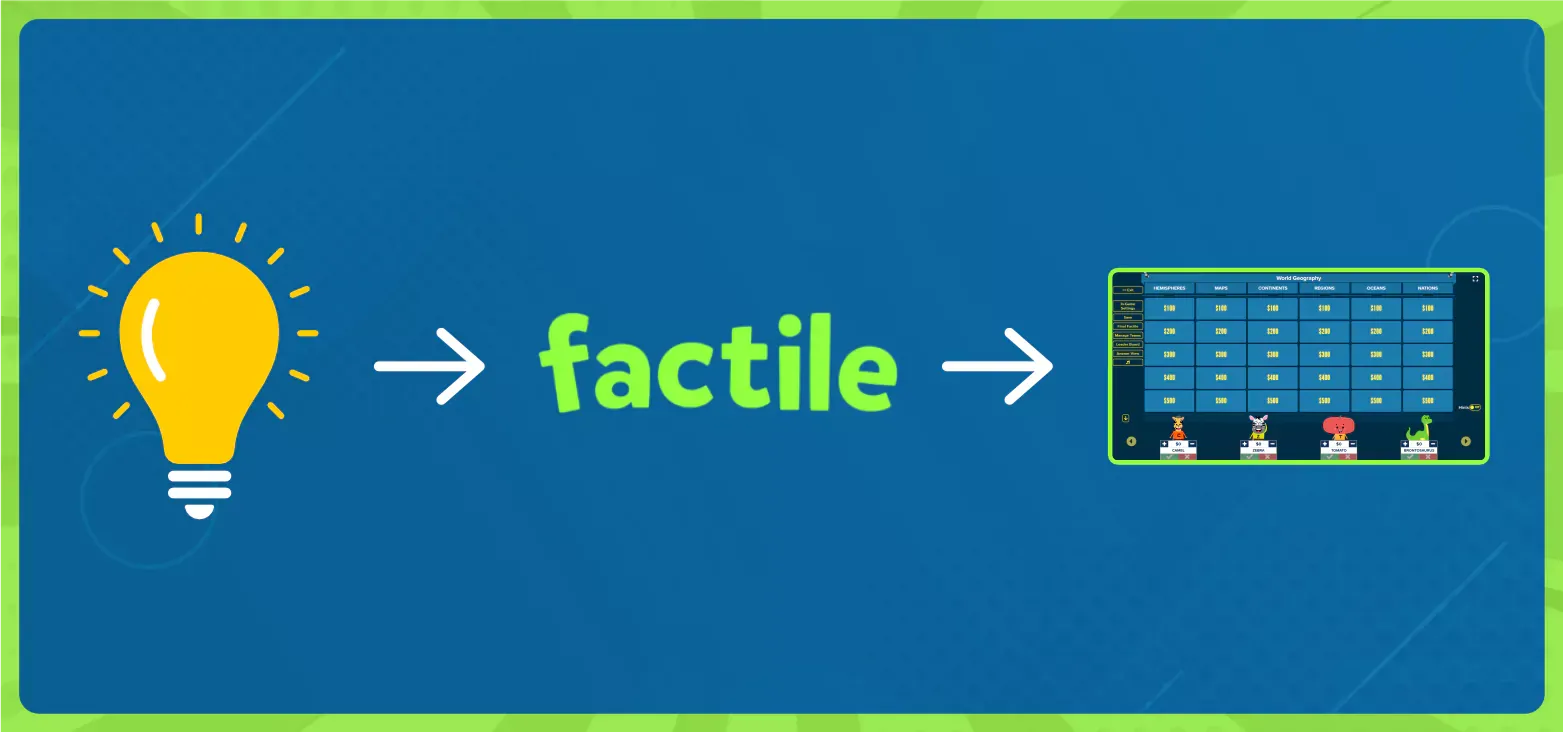
Step 1: Sign Up for Free and Choose a Game Template
Head to playfactile.com and create a free account. You can start with a blank game or select from over 2 million pre-made online Jeopardy templates sorted by topic. Whether you're teaching vocabulary, geography, or math, there’s something ready to go—or to customize.
Step 2: Add Your Questions and Customize Your Game Board
Once inside the editor, it’s easy to add your own categories and questions. Want to include images, videos, or math equations? Factile is customizable and supports all of that. You can also customize the look of your Jeopardy game board, change team mascots, and even insert sound effects to make the game more dynamic.
Step 3: Share and Play—Online or in the Classroom
With your game set up, you can play live in the classroom, over Zoom, or let students review solo. Factile works on any device—desktop, tablet, or phone—and it’s perfect for remote learning too. You can even assign games through Google Classroom or send a direct link.
Explore the Features That Make Factile a Powerful Teaching Tool
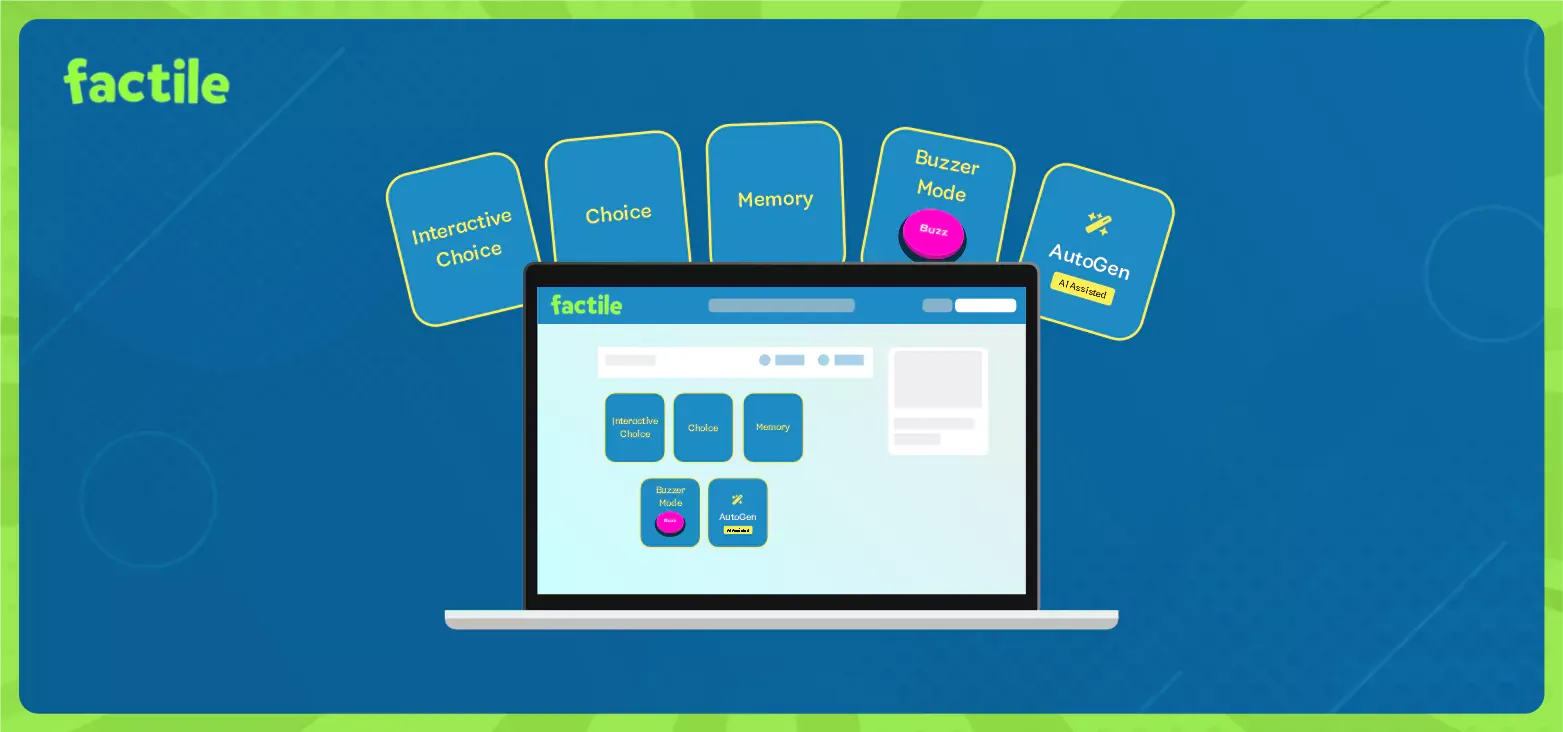
Custom Game Modes for Different Needs
Factile isn’t just Jeopardy-style play. You can switch between six formats:
- Factile (Jeopardy-style)
- Multiple Choice
- Memory Match
- Self Paced
- Flashcards
- Interactive Choice
Each mode supports different learning and engagement styles, whether you’re reviewing facts or running a fast-paced competition.
Interactive Play with Buzzer Mode
Have students buzz in with their phones, tablets, or laptops — just like a real game show. It works both in person and remotely, an option that sets it apart for classroom use, corporate training, or game night.
Built-in score keeping and leaderboards keep the energy high.
AutoGen AI Makes Game Creation Even Faster
Factile’s AutoGen AI helps teachers and trainers save time. Just type in your topic, and AutoGen generates Jeopardy-style or multiple-choice questions instantly. You can edit them, add visuals, or change the level of difficulty—it’s a solid starting point for any subject.
And if you’re building multiple games across a semester or department, Factile’s Question Banks come in handy. You can store up to 300 questions across 30 categories, organize them by topic or skill level, and even assign images to each bank for easy reference. When it’s time to create a game, just pull questions from your bank, and Factile will automatically distribute them across the board. It’s fast, organized, and made for real classroom workflows.
How Teachers Use Factile to Engage and Review in the Classroom
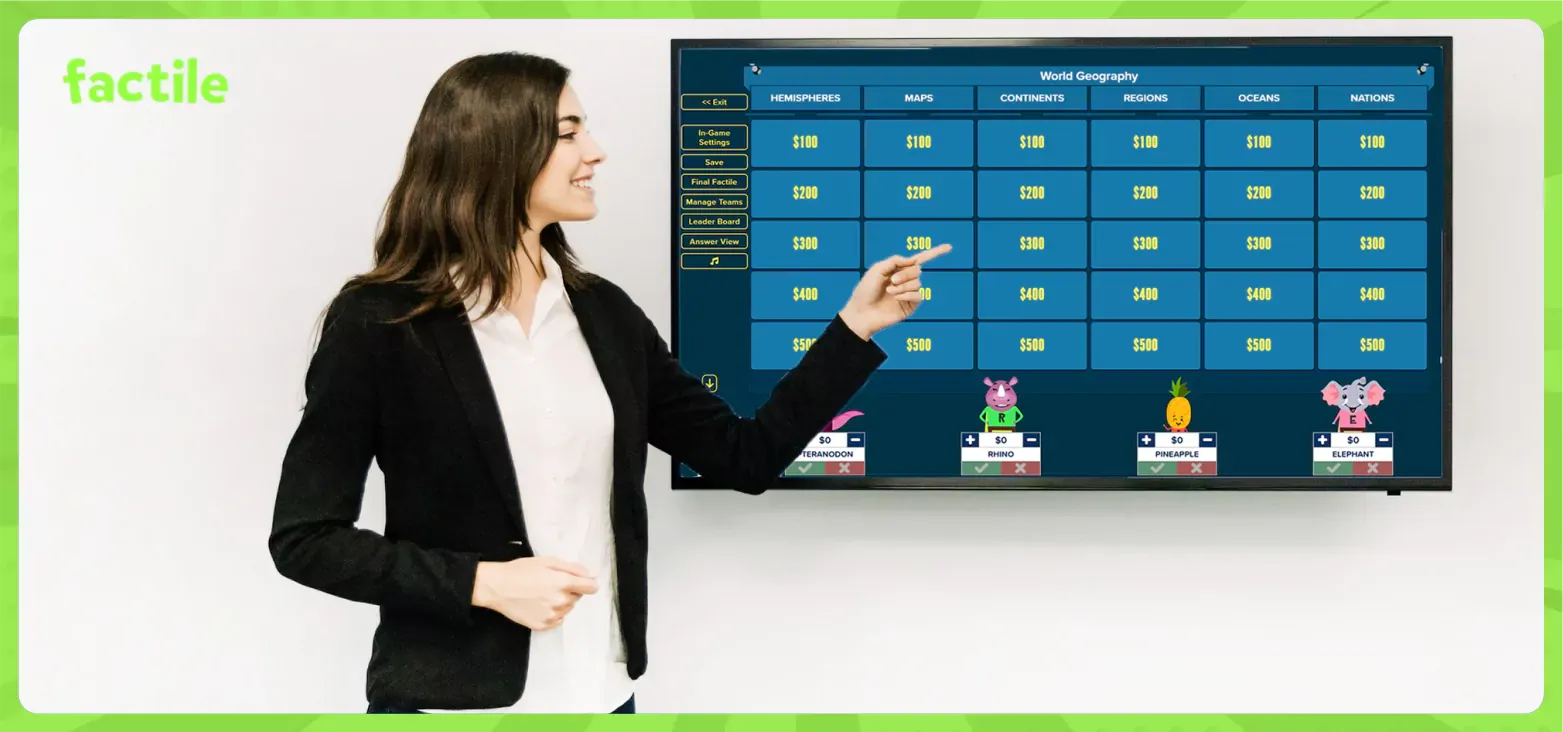
Factile was built with educators in mind. Teachers like Rachelle Dené Poth use platforms like Factile to reinforce key topics, prep for tests, and give students a break from passive learning. Whether it’s vocabulary review or a fun Friday challenge, the interactive nature of Factile keeps students involved.
Because Factile supports custom templates, game variety, and devices students already have, it blends seamlessly into classroom routines—and adds a layer of fun that turns review sessions into something they look forward to.
Tips to Customize Your Jeopardy Game for Any Subject
- Math & Science: Add equations with LaTeX, use images or diagrams
- Language Arts: Include vocabulary, grammar rules, or reading comprehension prompts
- Social Studies: Use timeline categories, geography questions, or current events
- Foreign Languages: Add translation prompts, audio clips, or image association tasks
- STEM: Incorporate interactive topics and cross-disciplinary questions
Whatever your subject, Factile helps you create engaging, customized quiz games that feel like a game, but still deliver real learning value.
Why Factile Is More Than a Jeopardy Game—It’s a Full EdTech Platform
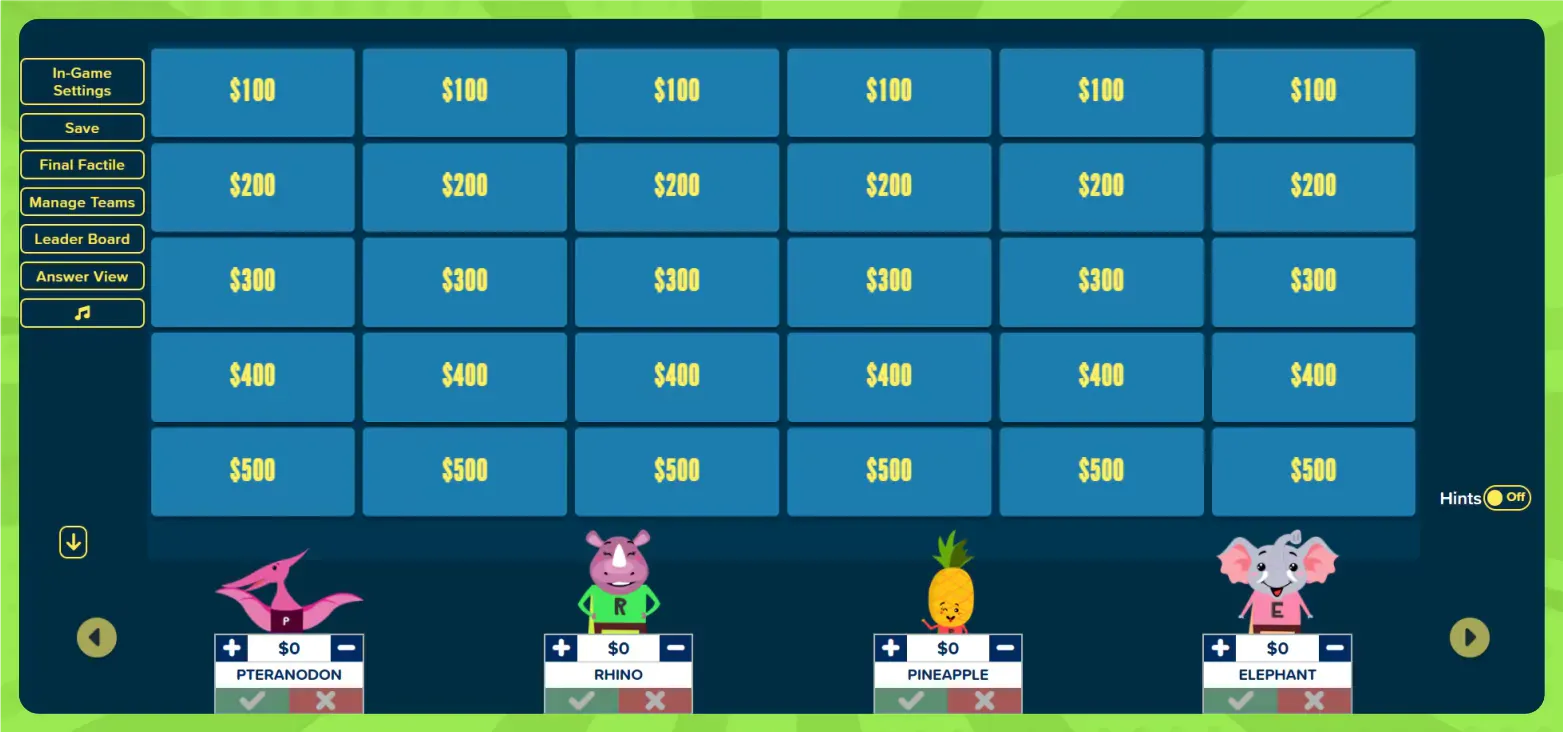
Factile goes beyond simple quiz creation. With support for multiple languages, secure game settings, team play, and full customization, it’s a premium platform built for scale and impact.
You can:
- Save and reuse games
- Organize content into folders
- Upload questions from spreadsheets
- Assign different roles (like content authors for your department)
And with everything running in the browser, it’s easy to update games, track engagement, and bring interactive teaching tools into your classroom without extra software or costs.
Ready to Make Your First Game?
You don’t need to download anything. You don’t need graphic design skills. Just a few clicks, and you’ll have a working Jeopardy game ready to share.
Factile helps you create custom games in minutes—and makes learning more fun, engaging, and memorable for everyone.
Get started with the Jeopardy maker today!